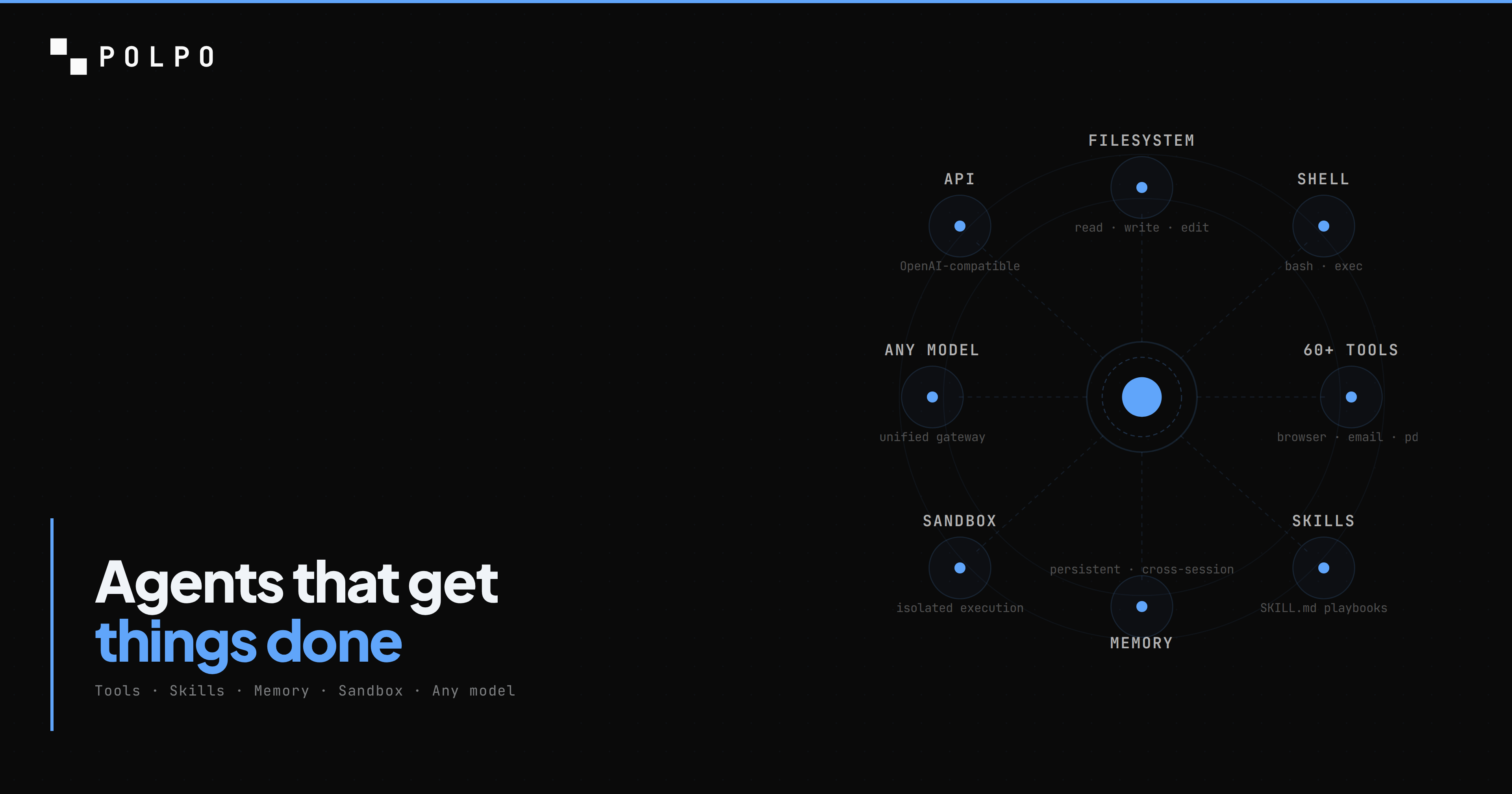
You have used Claude Code, Cursor, or Copilot. Those are coding agents in your IDE — they help you write code. This is a different kind: a cloud coding agent. It lives on a server, runs inside a sandbox, can execute indefinitely, and is callable via API from any product.
You trigger it from a webhook, a cron job, a Slack message, or your own backend. It reads repositories, writes code, runs tests, executes shell commands, and searches the web for documentation. When you are done, you will have a production API endpoint and an agent that keeps working while you are asleep.
Total time: about 5 minutes.
Prerequisites
- Node.js 20+
- A Polpo Cloud account (free — polpo.sh)
- That is it. No Docker, no Python, no infrastructure. The sandbox, the LLM gateway, and the runtime are managed for you.
Step 1: Install Polpo
npm install -g polpo-aipolpo --versionYou should see the version number printed. If you do, move on.
Step 2: Create your project
mkdir my-coding-agent && cd my-coding-agentpolpo initpolpo init creates a .polpo/ directory with your project configuration. This is where your agents, skills, and memory live. The directory structure looks like this:
my-coding-agent/ .polpo/ polpo.json # project settings agents.json # agent definitionsEverything here is declarative. You describe what the agent is, Polpo handles the cloud runtime.
Step 3: Define your agent
Open .polpo/agents.json and replace the contents with this:
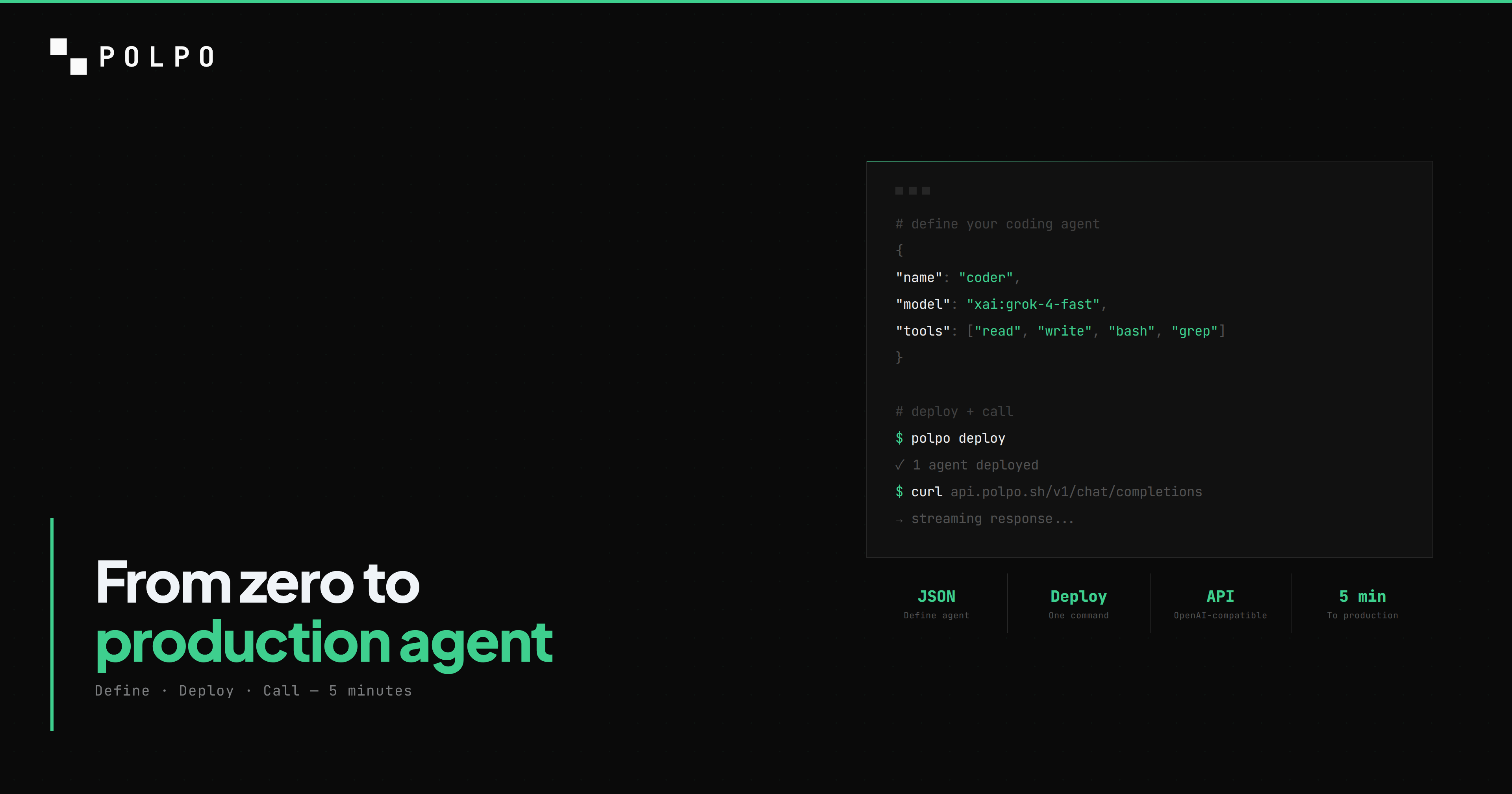
[ { "name": "coder", "role": "Senior software engineer. Writes clean, tested, production-ready code.", "model": "xai/grok-4-fast", "allowedTools": [ "read", "write", "edit", "bash", "glob", "grep", "search_web" ], "systemPrompt": "You are a senior software engineer. When asked to build something, create the files, write the code, and run tests to verify it works. Never leave code untested." }]Every field does one thing:
- name — the identifier you use to call this agent via the API. This is your agent's handle.
- role — injected into the system prompt. Tells the model who it is and what it does.
- model — the LLM in
provider/modelformat.xai/grok-4-fastis fast and cheap — good for coding tasks. You can swap toanthropic/claude-sonnet-4-5,openai/gpt-4o, orgoogle/gemini-2.5-proanytime. - allowedTools — the exact capabilities this agent has. Nothing more, nothing less.
- systemPrompt — custom instructions appended to the assembled prompt.
The tool selection is deliberate:
- read, write, edit — the agent can read any file, create new files, and apply targeted edits without rewriting them entirely. This is how it navigates and modifies code.
- bash — the agent can run shell commands. Install packages, execute scripts, run test suites, build projects. Every command runs inside its cloud sandbox, never on your infrastructure.
- glob, grep — the agent can find files by pattern and search file contents with regex. Essential for navigating codebases it has never seen before.
- search_web — the agent can search the web for documentation, API references, and examples. When it encounters an unfamiliar library, it looks it up instead of hallucinating.
Step 4: Add a skill
Skills are markdown files that inject domain knowledge into the agent's system prompt. They turn a general-purpose model into a specialist.
Create the skill directory and file:
mkdir -p .polpo/skills/code-standardsCreate .polpo/skills/code-standards/SKILL.md:
---name: code-standardsdescription: Coding standards and quality requirementstools: [read, write, edit, bash]tags: [coding, quality]---
## Code Quality Requirements
- Always write tests for new code. Unit tests at minimum, integration tests for API endpoints.- Use TypeScript strict mode. No `any` types unless explicitly justified with a comment.- Handle errors explicitly. No swallowed exceptions. No empty catch blocks.- No `console.log` in production code. Use structured logging or remove debug statements.- Functions over 30 lines should be broken up.- Every file should have a single responsibility.
## Testing
- Run tests after every code change: `npm test` or `npx vitest run`- If a test fails, fix the code, do not delete the test.- Test edge cases: empty inputs, null values, error responses.
## Git Conventions
- Write clear commit messages: what changed and why.- One logical change per commit.
Now reference the skill in your agent definition. Update .polpo/agents.json:
[ { "name": "coder", "role": "Senior software engineer. Writes clean, tested, production-ready code.", "model": "xai/grok-4-fast", "allowedTools": [ "read", "write", "edit", "bash", "glob", "grep", "search_web" ], "skills": ["code-standards"], "systemPrompt": "You are a senior software engineer. When asked to build something, create the files, write the code, and run tests to verify it works. Never leave code untested." }]The "skills": ["code-standards"] line tells Polpo to inject the skill content into the system prompt on every interaction. The agent now knows your coding standards without you repeating them in every message.
Your project now looks like this:
my-coding-agent/ .polpo/ polpo.json agents.json skills/ code-standards/ SKILL.mdStep 5: Deploy to the cloud
Log in and deploy:
polpo loginpolpo deploypolpo login opens your browser for authentication. Once authorized, deploy:
  Polpo Deploy  ──────────────────
  Project:  my-coding-agent  Directory: .polpo/
  Resources found:    Agents .......... 1    Skills .......... 1    Memory files .... 0
  Deploy these resources? (y/N) y
  Deploying...    ✓ Agents        1/1    ✓ Skills        1/1
  Deploy complete. 2 resources synced.
Your agent is now live in the cloud. It has a production API endpoint, a sandboxed execution environment, and the LLM gateway is already connected. No infrastructure to configure.
Step 6: Call your agent
Ask the agent to build something real. This curl sends a streaming request:
curl -N https://api.polpo.sh/v1/chat/completions \ -H "Authorization: Bearer sk_live_YOUR_KEY" \ -H "Content-Type: application/json" \ -d '{ "agent": "coder", "messages": [{ "role": "user", "content": "Create a TypeScript function that fetches weather data from the OpenWeatherMap API. Include proper types, error handling, and a test file. Use vitest." }], "stream": true }'Replace sk_live_YOUR_KEY with your project API key from the dashboard.
The agent receives the message and starts working in its cloud sandbox. It does not just generate code as text — it executes:
- 1.Creates
src/weather.tswith the fetch function, types, and error handling. - 2.Creates
src/weather.test.tswith vitest tests covering success, API errors, and network failures. - 3.Runs
npm init -y && npm install typescript vitestto set up the project. - 4.Runs
npx vitest runto execute the tests. - 5.Reports the results. If a test fails, it fixes the code and reruns.
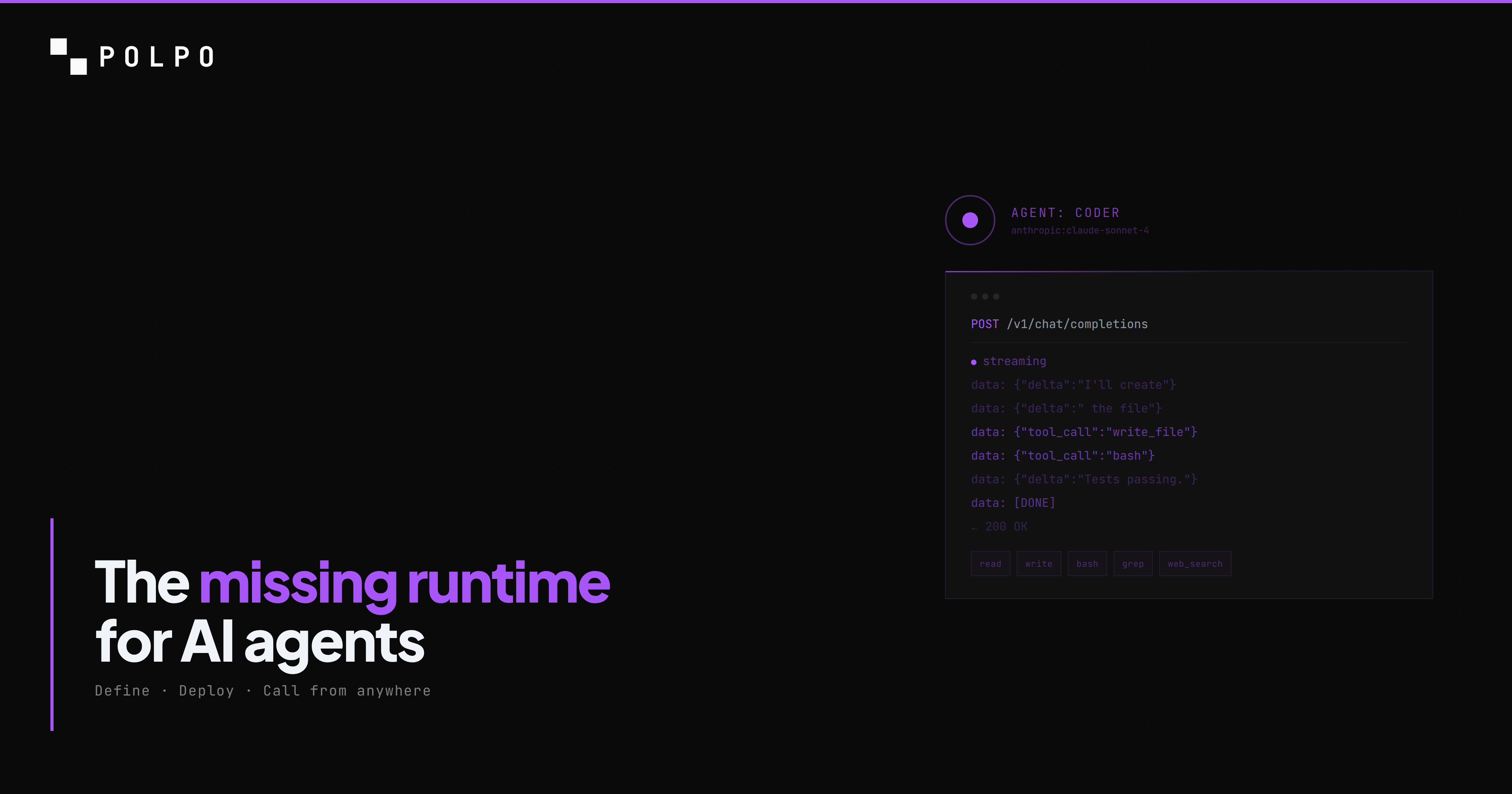
All of this happens on a server you never see. The response streams back as Server-Sent Events in the OpenAI format. Every tool call and its result are visible in the stream so you can watch exactly what the agent is doing.
Step 7: Run indefinitely
A one-shot API call is the starting point. What makes a cloud coding agent different from a local one is that it keeps working without you.
Continue a session across days
Every request returns a sessionId. Pass it back in the next call and the agent resumes from where it left off — same files in its workspace, same command history, same context. You can walk away, come back tomorrow, and the agent picks up.
const { sessionId } = await client.chatCompletions({  agent: "coder",  messages: [{ role: "user", content: "Start refactoring the payment module. I will check in tomorrow." }],});
// Next day, same session:await client.chatCompletions({  sessionId,  messages: [{ role: "user", content: "Continue. Focus on the retry logic next." }],});
No wall-clock limit. No "conversation timeout". The session is backed by a persistent workspace that survives between calls.
Trigger from webhooks
Point a GitHub webhook at a small handler that forwards to your agent:
// Your backend — any stack, any frameworkapp.post("/github-webhook", async (req) => { if (req.body.action === "opened" && req.body.pull_request) { await polpo.chatCompletions({ agent: "coder", messages: [{ role: "user", content: `Review PR ${req.body.pull_request.html_url}. Run the tests, check the diff, comment on anything broken.`, }], }); } res.sendStatus(200);});Now every PR opened on your repo triggers a code review by your cloud coding agent. It runs in parallel across repos. You see the results as GitHub comments.
Schedule long-running jobs
For batch work — refactoring 500 files, migrating a codebase across framework versions, auditing a monorepo — call the agent with a task that would take hours locally. It runs in the cloud sandbox for as long as it takes. You poll for completion or listen on a webhook the agent calls when it finishes.
Patterns that work well for cloud coding agents running indefinitely:
- Auto-fix bots — watch a CI pipeline, trigger the agent on failed builds to fix flaky tests or broken deploys
- PR reviewers — open PR → agent reads diff, runs tests, comments
- Refactoring bots — feed a backlog of 100 "rename this function everywhere it appears", let the agent chew through it overnight
- Migration agents — upgrade a codebase from framework v1 to v2 file by file, with tests after each change
- Documentation generators — on every merge to main, agent reads the diff and updates the docs
- Support automation — customer reports a bug in their repo, agent clones it, reproduces, fixes, sends back a patch
Step 8: Integrate from any language
TypeScript SDK
npm install @polpo-ai/sdkimport { PolpoClient } from "@polpo-ai/sdk";
const client = new PolpoClient({ baseUrl: "https://api.polpo.sh", apiKey: "sk_live_...",});
const stream = client.chatCompletionsStream({ agent: "coder", messages: [{ role: "user", content: "Build a REST API with Express and TypeScript. Include CRUD endpoints for a 'users' resource, input validation, and tests.", }],});
for await (const chunk of stream) { process.stdout.write(chunk.choices[0]?.delta?.content ?? "");}
console.log("\nSession:", stream.sessionId);OpenAI-compatible (any language)
The API follows the OpenAI format exactly. Any client that works with OpenAI works with Polpo — change the base URL and API key.
Python:
from openai import OpenAI
client = OpenAI(    base_url="https://api.polpo.sh/v1",    api_key="sk_live_...")
stream = client.chat.completions.create(    model="coder",  # agent name goes in the model field    messages=[{        "role": "user",        "content": "Build a REST API with Express and TypeScript"    }],    stream=True)
for chunk in stream:    content = chunk.choices[0].delta.content    if content:        print(content, end="")
Node.js with the OpenAI SDK:
import OpenAI from "openai";
const client = new OpenAI({  apiKey: "sk_live_...",  baseURL: "https://api.polpo.sh/v1",});
const stream = await client.chat.completions.create({  model: "coder",  messages: [{ role: "user", content: "Build a REST API with Express and TypeScript" }],  stream: true,});
for await (const chunk of stream) {  const content = chunk.choices[0]?.delta?.content;  if (content) process.stdout.write(content);}
Your cloud coding agent is now callable from any app, any language, any framework.
What happens under the hood
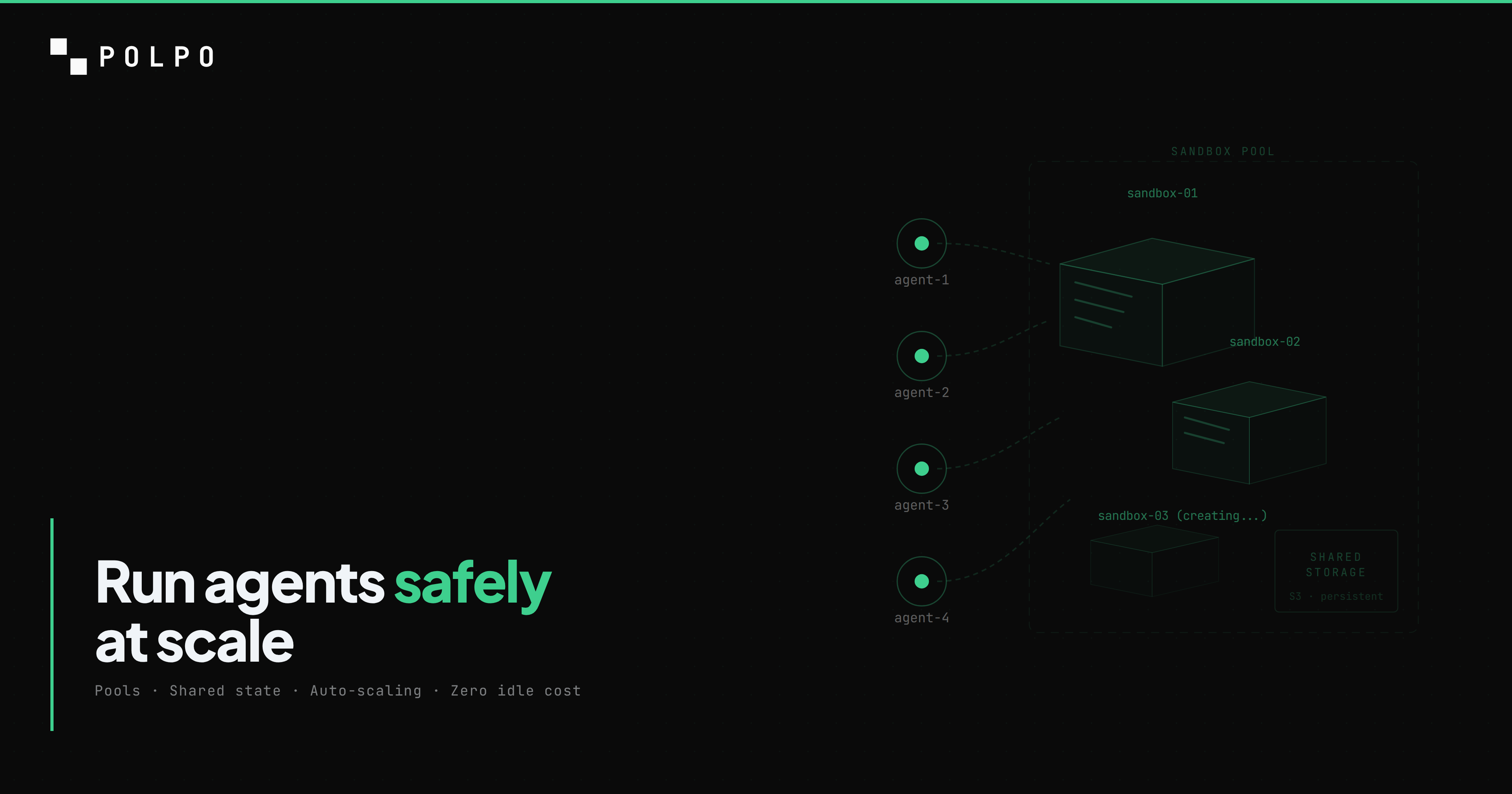
When that API call hits Polpo, the agent does not run on a shared server. It gets its own ephemeral cloud sandbox — an isolated Linux environment with its own filesystem, shell, and network.
The sandbox spins up on the first tool call. If the model's first response is pure text (no tool calls), no sandbox is allocated at all. When the agent calls bash or write, the sandbox is acquired from a warm pool in 27-90ms. Pre-built with Node.js, Python, git, pnpm, and common build tools — no package installation delay at request time.
The agent has root access inside its sandbox. It can npm install, pip install, apt-get, write to any directory, run any command. But it cannot reach other sandboxes, other agents, or your infrastructure. When the task finishes, the sandbox is released back to the pool. Idle sandboxes are automatically stopped and destroyed.
This is what makes granting bash to an LLM safe. Without sandboxing, it is reckless. With sandboxing, it is the feature that separates a cloud coding agent from a chatbot.
We wrote a deep dive on the sandbox architecture, the pool model, and the failure modes we handle — read it here.
Next steps
You have a working cloud coding agent with a production API. Here is where to go from here:
- Add more tools. Give the agent
browser_*for web automation,http_fetchfor API calls,memory_*for persistent context across sessions. See the full tools reference. - Add more skills. Create skills for your deployment procedures, testing standards, code review checklists, or architecture patterns. Install community skills from GitHub:
polpo skills add https://github.com/org/skills-repo. - Run locally for development.
polpo startruns the full API server on your machine — same config, same agents. Point the SDK athttp://localhost:3890and develop offline. Promote to cloud withpolpo deploy. - Add more agents. Define a
revieweragent that reads code and produces reviews. Define adevopsagent that manages deployments. Each agent has its own tools, skills, and model — they are independent. - Read the docs. docs.polpo.sh covers agent definition, skills, memory, teams, the full API reference, and framework integrations (Next.js, React, Hono).
The full project is 2 files: agents.json and SKILL.md. Three commands: polpo init, polpo login, polpo deploy. The result is a cloud coding agent that runs on infrastructure you never manage, callable from any product, capable of working indefinitely.
npm install -g polpo-aipolpo initpolpo deploy